
Smart TV Wi-Fi problems
Smart TV Wi-Fi connection problem repair
Compare the affected TV with another device on the same network and record the exact connection message. Start with the complete TV model and a short description of the fault so the next step can be discussed clearly.
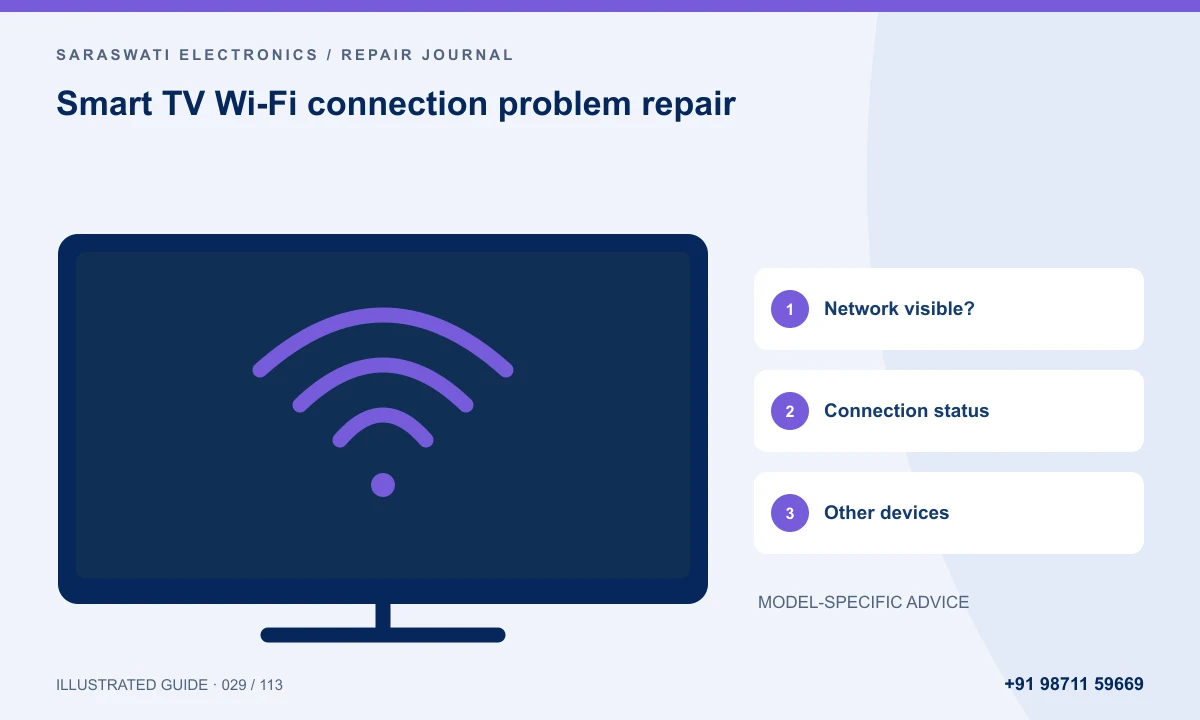
Identify the connection stage
Say whether the network is missing, connection is rejected or internet access fails after connection. Compare another device on the network and note whether only one app fails.
Keep network details safe
Share the model and error, not passwords. Ask whether the next step concerns the network, software or hardware. An app that will not load does not by itself establish a failed wireless module.
Information that helps the first enquiry
Send the model, size, locality and main symptom. Mention what still works, how long the problem takes to appear and any previous repair. An accessible external label is enough to start; you do not need to remove the back cover.
A photo or short video can explain the symptom, but cannot replace inspection. Ask what the next assessment involves and when the estimate will be provided.
Questions to ask before approving work
- What will the initial assessment cover, and what is its charge?
- Will the work take place onsite or at the workshop?
- If a part is needed, what condition and compatibility will be confirmed?
- What total must I approve, and how will changes be discussed?
- What testing and written repair terms apply?
Do not open the television or probe internal circuits to answer these questions. If there is smoke, a burning smell, liquid entry or visible electrical damage, stop using the set and describe its condition to the workshop.
Frequently asked questions
Can a symptom identify the faulty part?
A description helps plan inspection, but similar symptoms can have different causes. Ask for assessment before committing to a specific replacement.
What should I send with my first message?
Include the model, locality, main symptom and a clear photo if safe to obtain. Mention previous repairs and wall mounting. Leave out passwords and personal account details.
Discuss your TV repair enquiry
Saraswati Electronics handles TV repair and spare-part enquiries on IGNOU Main Road, near Nirmal Medical Centre, New Delhi, Delhi 110030. Read about Dharmendra Yadav and service since 2006, or browse the motherboard and workshop gallery.
Phone: +91 98711 59669
Email: info.saraswatielectronics@gmail.com
Confirm availability, charges, parts and applicable terms directly with the workshop.